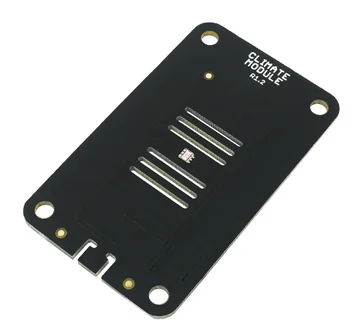
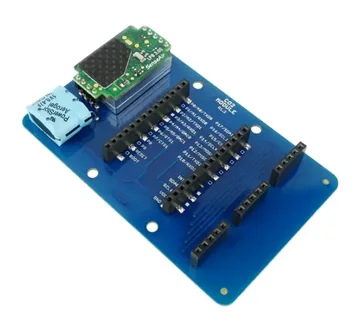
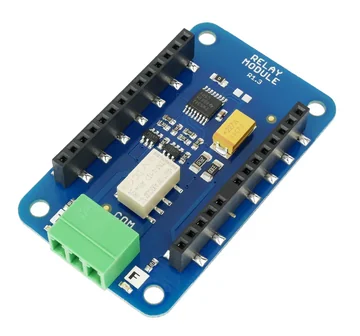
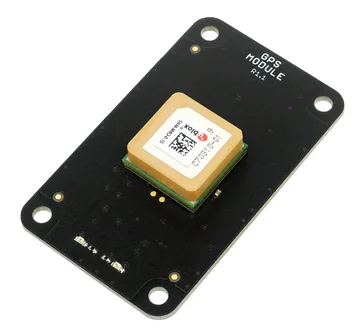
What a computer needs
- Windows, macOS or Linux
- A free USB port per team
- Permission to run the app
A command-line version runs on a Raspberry Pi.
First lesson
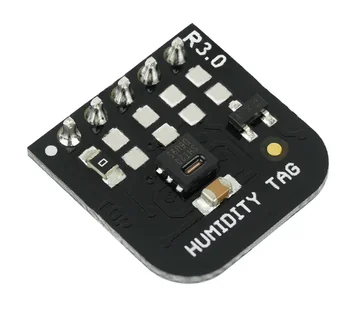
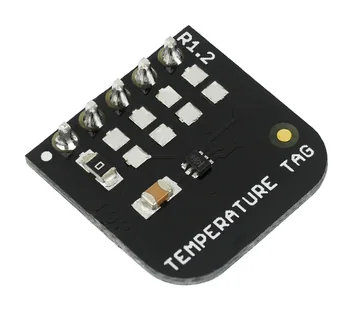
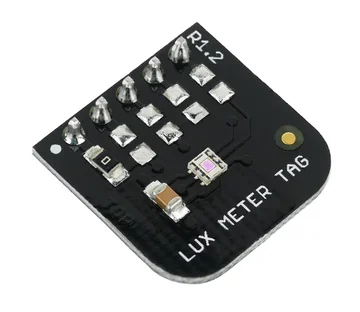
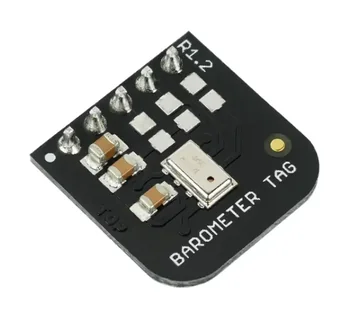
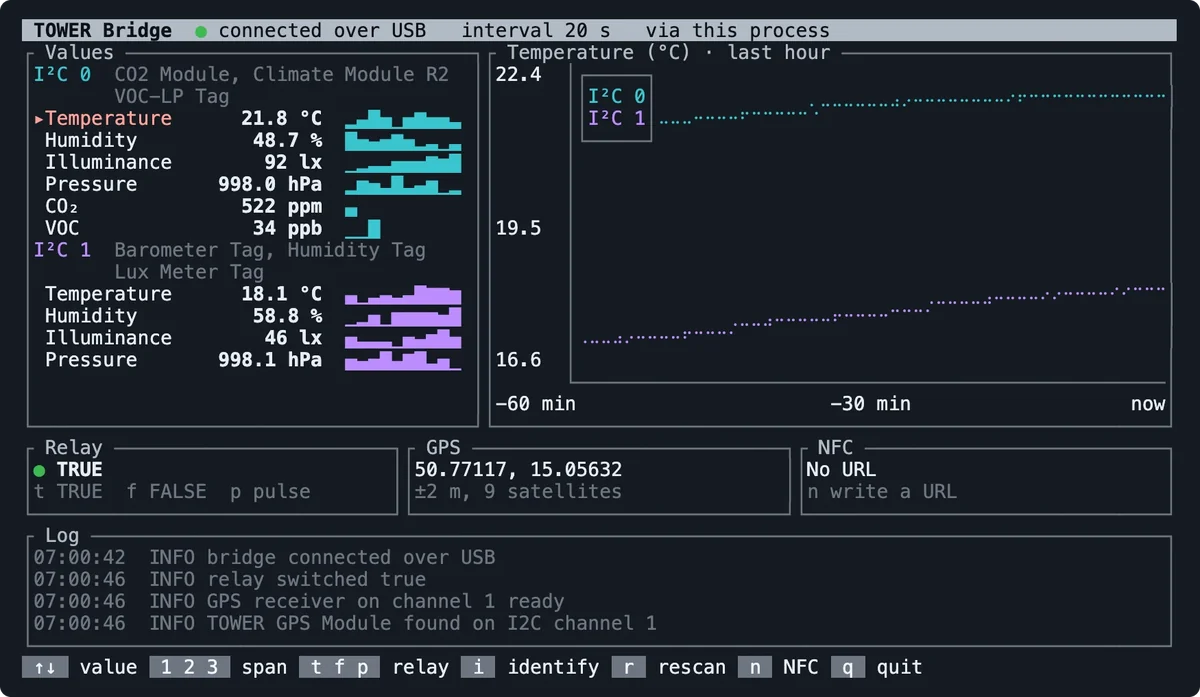
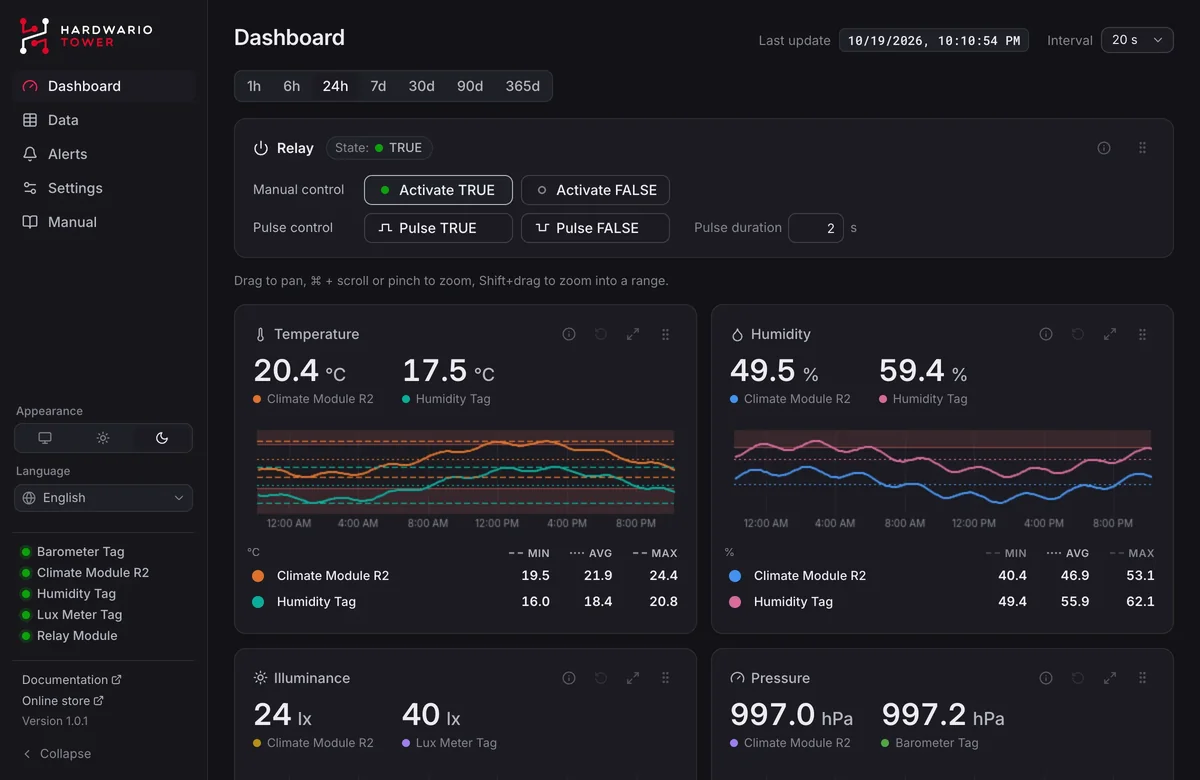
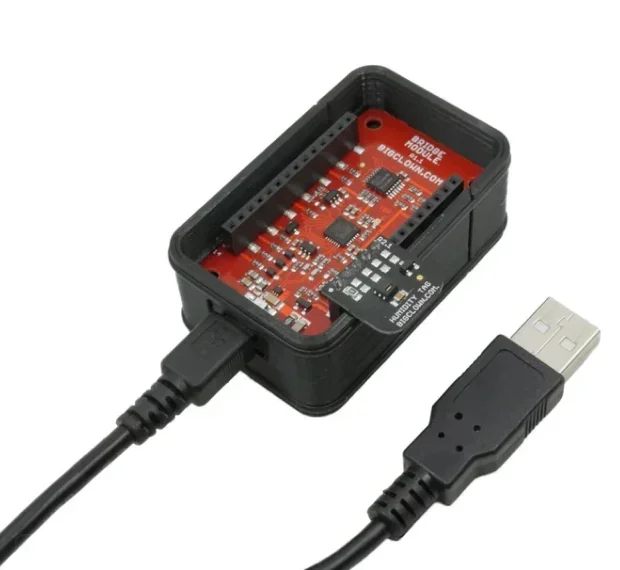
Put modules on the Bridge Module, plug it into a laptop and open TOWER Bridge. The class sees every reading at once, with no firmware, no radio and nothing to program.
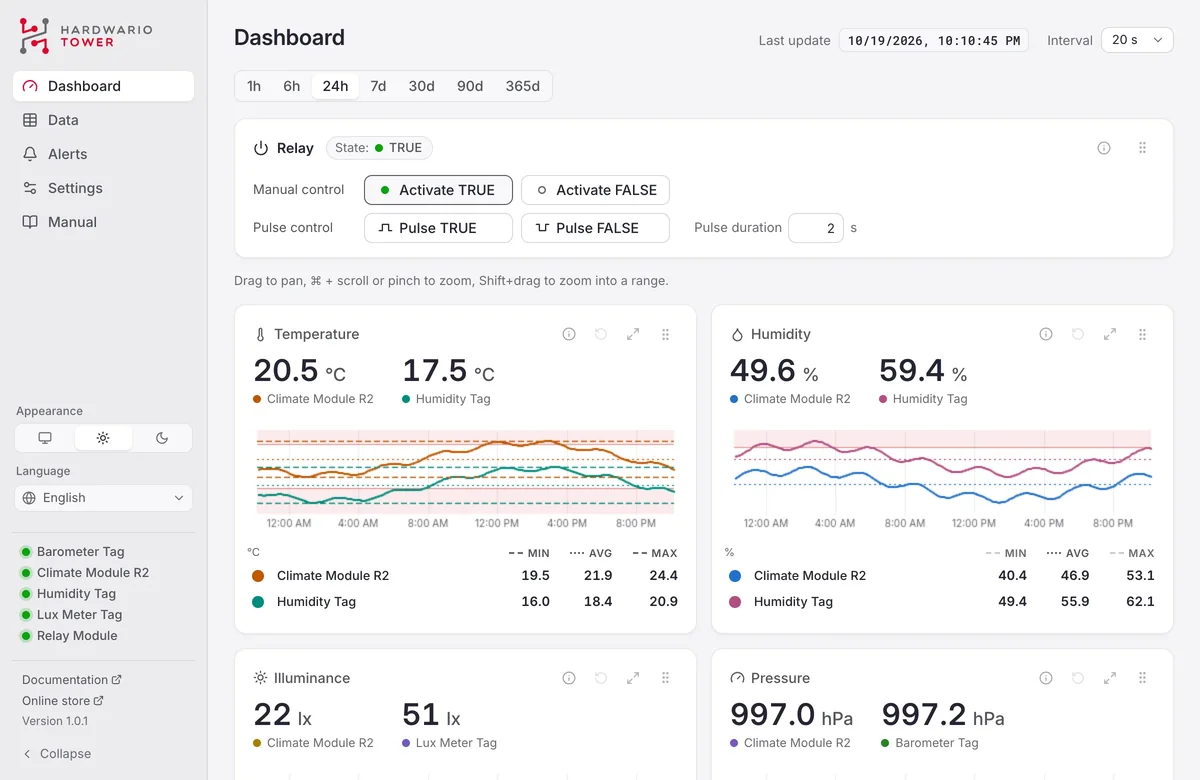
In the classroom
What the class sees
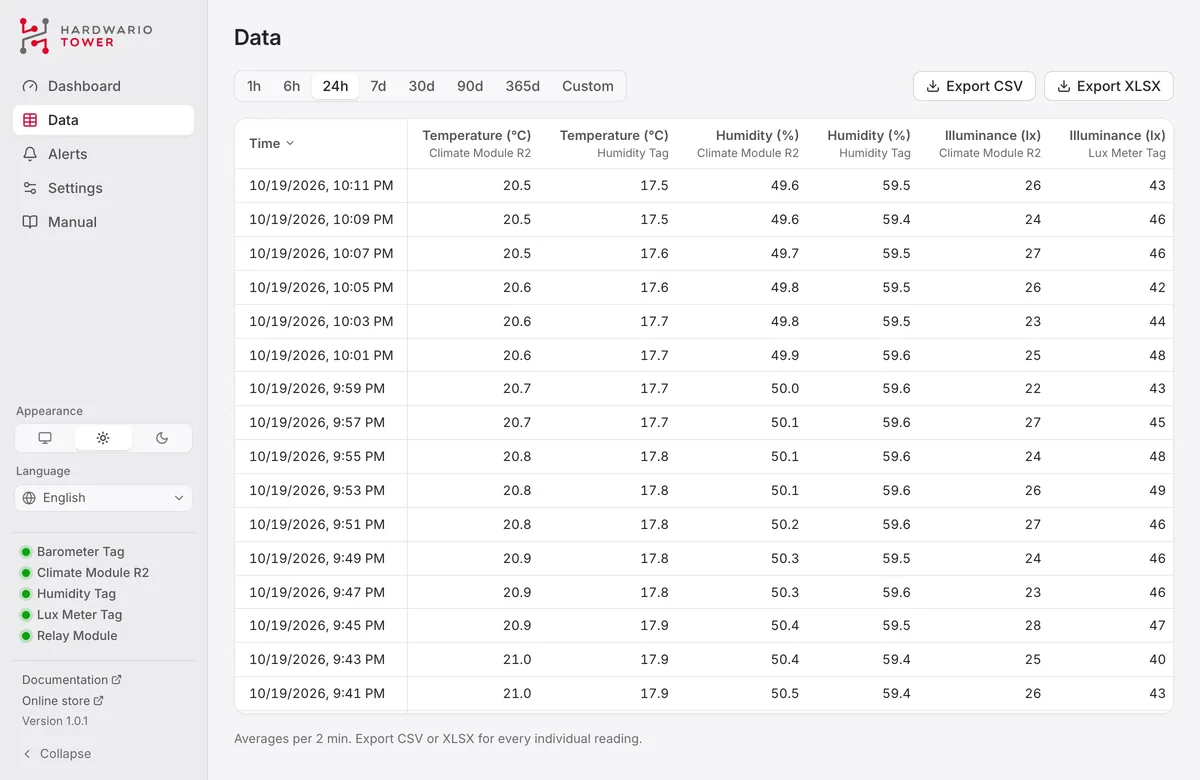
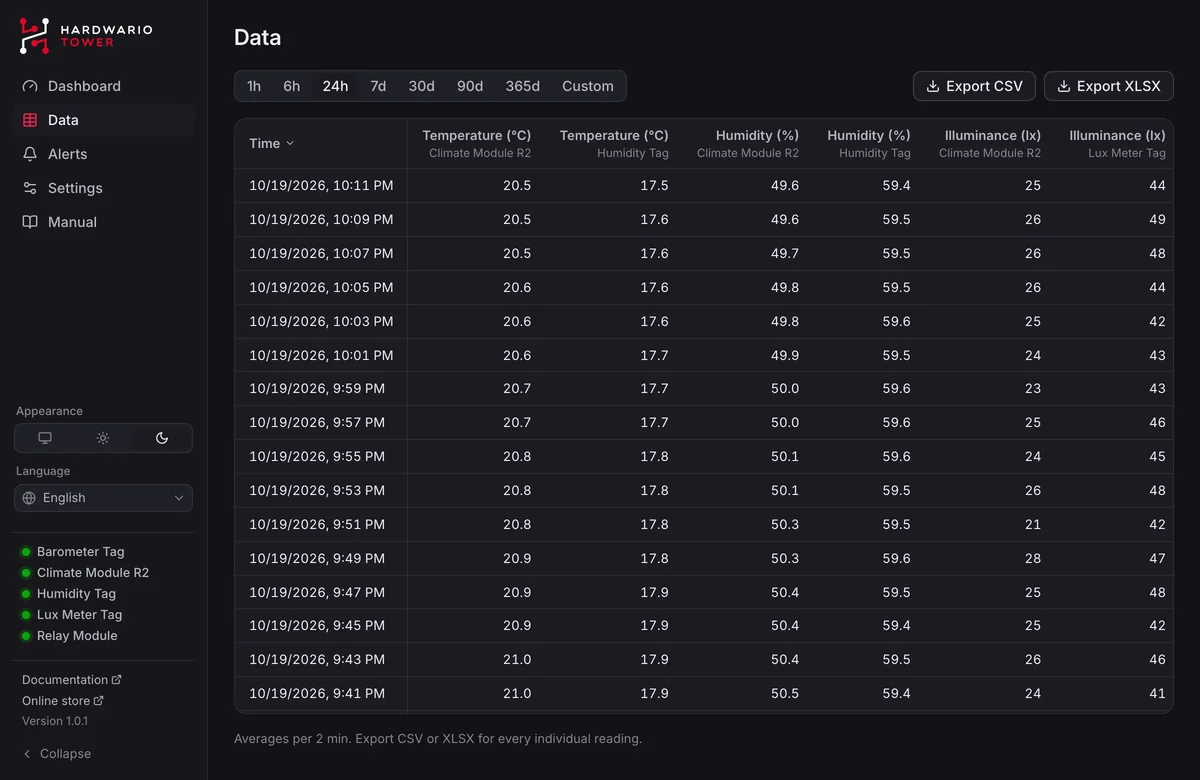
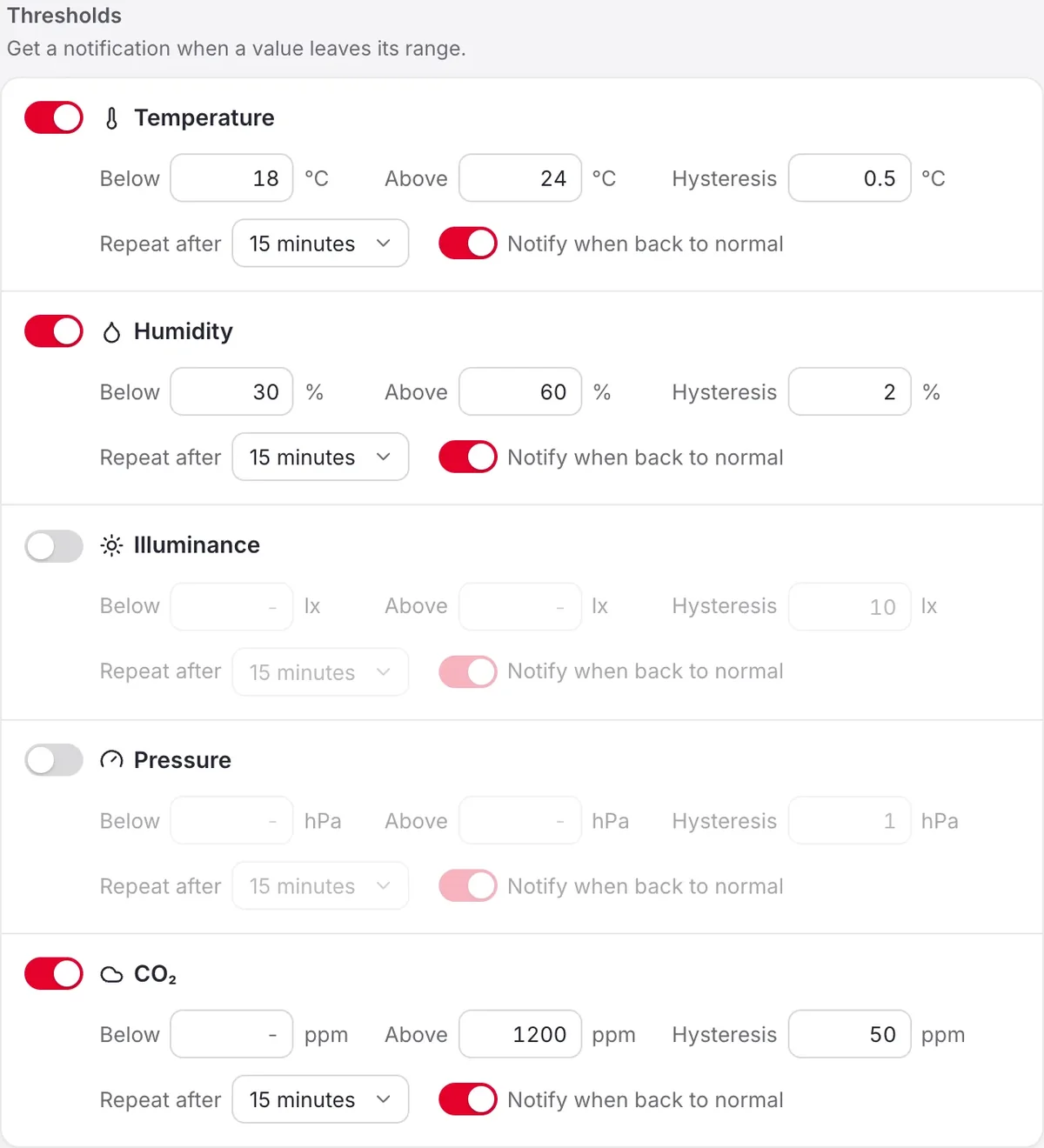
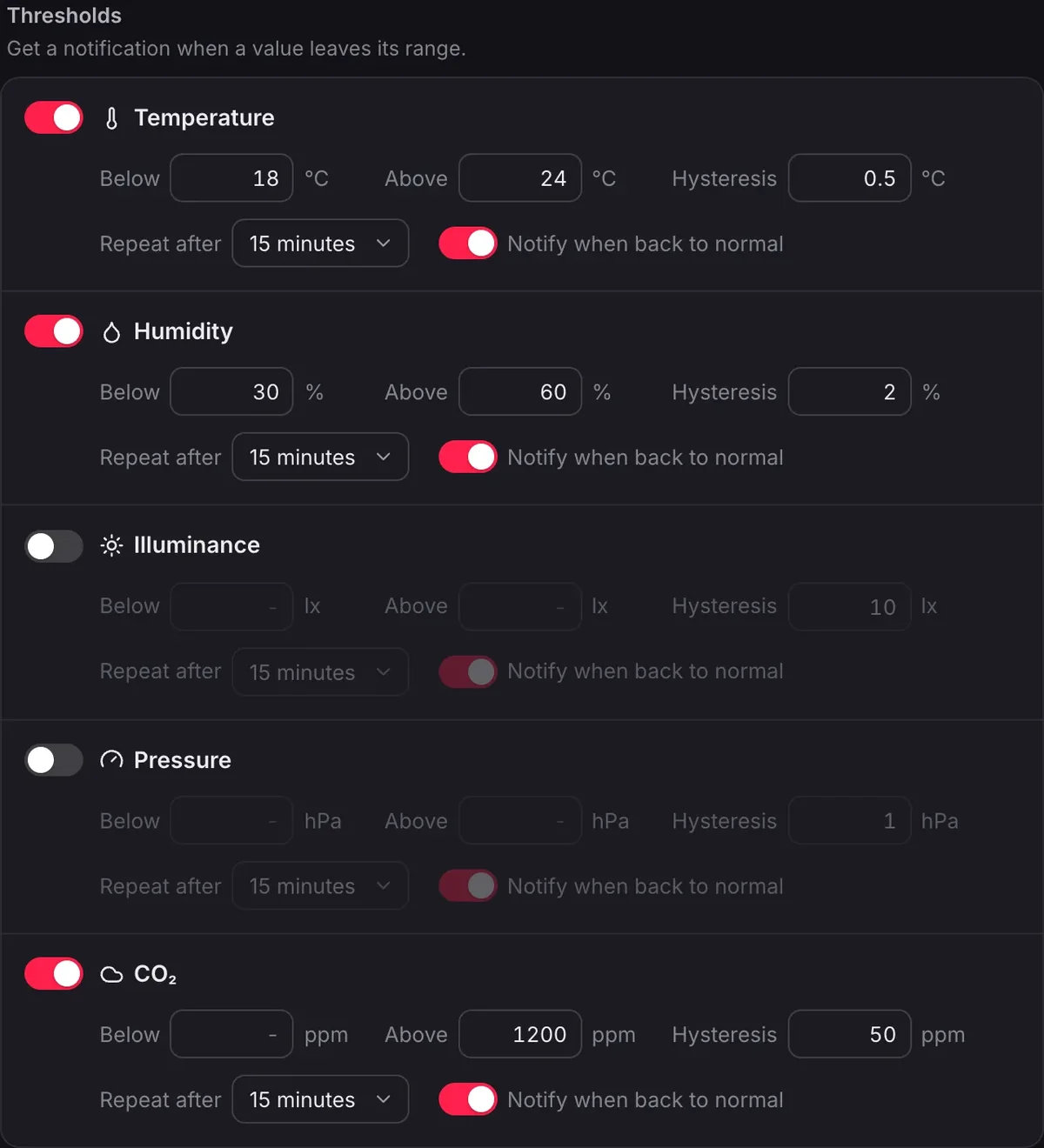
What it reads
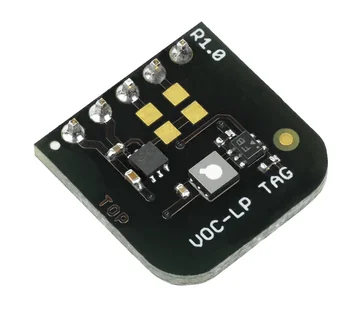
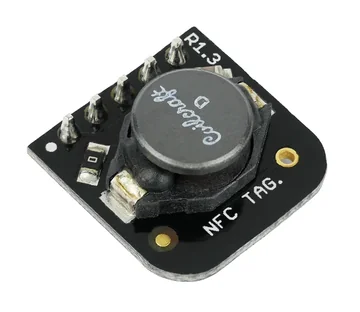
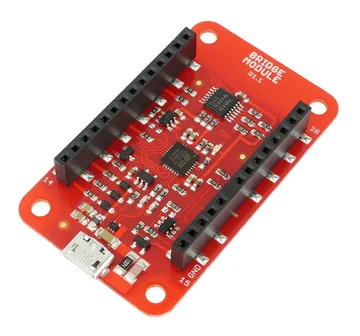 USBBridge ModuleConnects the modules and tags below to a laptop over USB. The heart of the Bridge Set.
A command-line version runs on a Raspberry Pi.
TOWER Bridge shares every reading over MQTT, so the same data flows into Node-RED or a dashboard. The wireless sets then take the class from the desk to the whole room.
 Open source · MIT
TOWER Bridge is open source under the MIT licence. The app and its manual speak English, Czech, German, Slovak and Polish.
Plan a pilot
We reply within two business days with the recommended sets, the lesson and what to check before it.
What to tell us
Or call us +420 775 159 734
Cookie preferences
We use necessary cookies to make this site work. With your consent, we use statistics and marketing technologies to improve the website and measure campaigns. Cookie policy
Choose the optional purposes for which HARDWARIO may use cookies on this website. You can change or withdraw your consent anytime from the footer.
Necessary
Required for consent storage, security, forms, and core website functions.